AI-powered business software
BIntellune.ai
AI-powered POS and business management for every retail business.
For department stores and supermarkets, cafés and bakeries, hardware and general shops, restaurants, hotels, marriage halls and every business that bills customers. Bill with GST, run your tables and kitchen, track stock and cash, and let the built-in AI answer questions and suggest what to do next, all on your own Windows computer and even without the internet.
14-day free trial with every feature
- Ask in plain words
- Smart reminders
- Reorder suggestions
- Daily summary
- Private AI on your PC
AI-powered
Software that thinks along with you
AI is built into BIntellune.ai, not bolted on. It reads your own numbers, suggests the next step, and waits for your approval.
Business copilot
Ask in plain words: which items sold most this week, who owes you money, what is running low. It answers from your own reports and never changes anything on its own.
Payment reminders
The assistant drafts friendly reminders for customers with a balance, ready for you to review and send.
Daily owner summary
A short summary of the day's business waiting for you, so you know how it went without opening a single report.
Stock reorder suggestions
Spot what is about to run out and get a reorder suggestion before the shelf is empty.
- You approveNothing is sent or changed until a person says so.
- Your choice of AIUse Claude, OpenAI, Gemini, Mistral and more, or run it privately on your own PC.
- Works with your dataAnswers come from your own reports, on your own computer.
AI agents and the copilot are part of the Intellect plan, and every feature is included in the 14-day free trial.
Built for your business
One platform. Every retail business.
Whatever you sell and wherever you sell it, BIntellune.ai adapts. Switch on only the features you need, and your staff see only those.
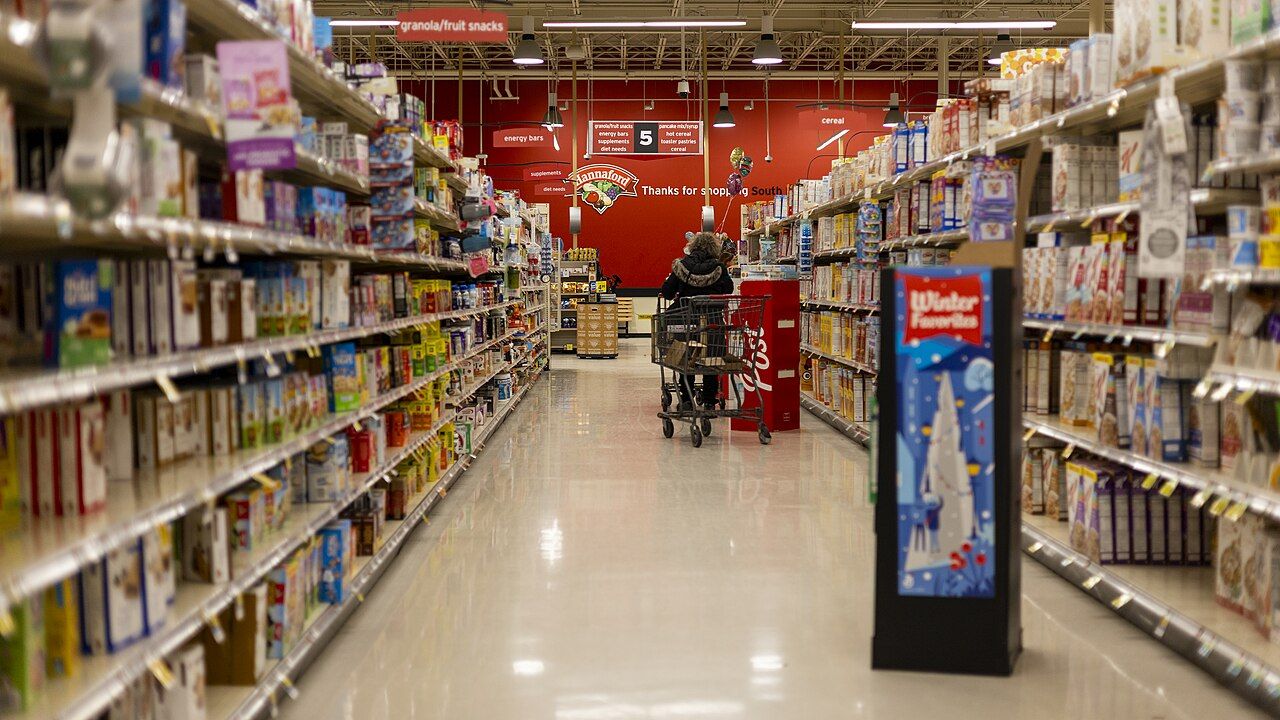
Department stores and supermarkets
Busy counters, thousands of items and several outlets, all kept in step.
- Fast keyboard billing with GST tax invoices
- Stock with minimum-stock alerts and a history for every item
- Purchase orders, purchase bills and supplier payments
- Load thousands of items from Excel (up to 20,000 rows at a time)
- Multi-branch stock, bills, reports and staff
AI helps: Reorder suggestions when stock runs low, and a daily summary of every outlet.
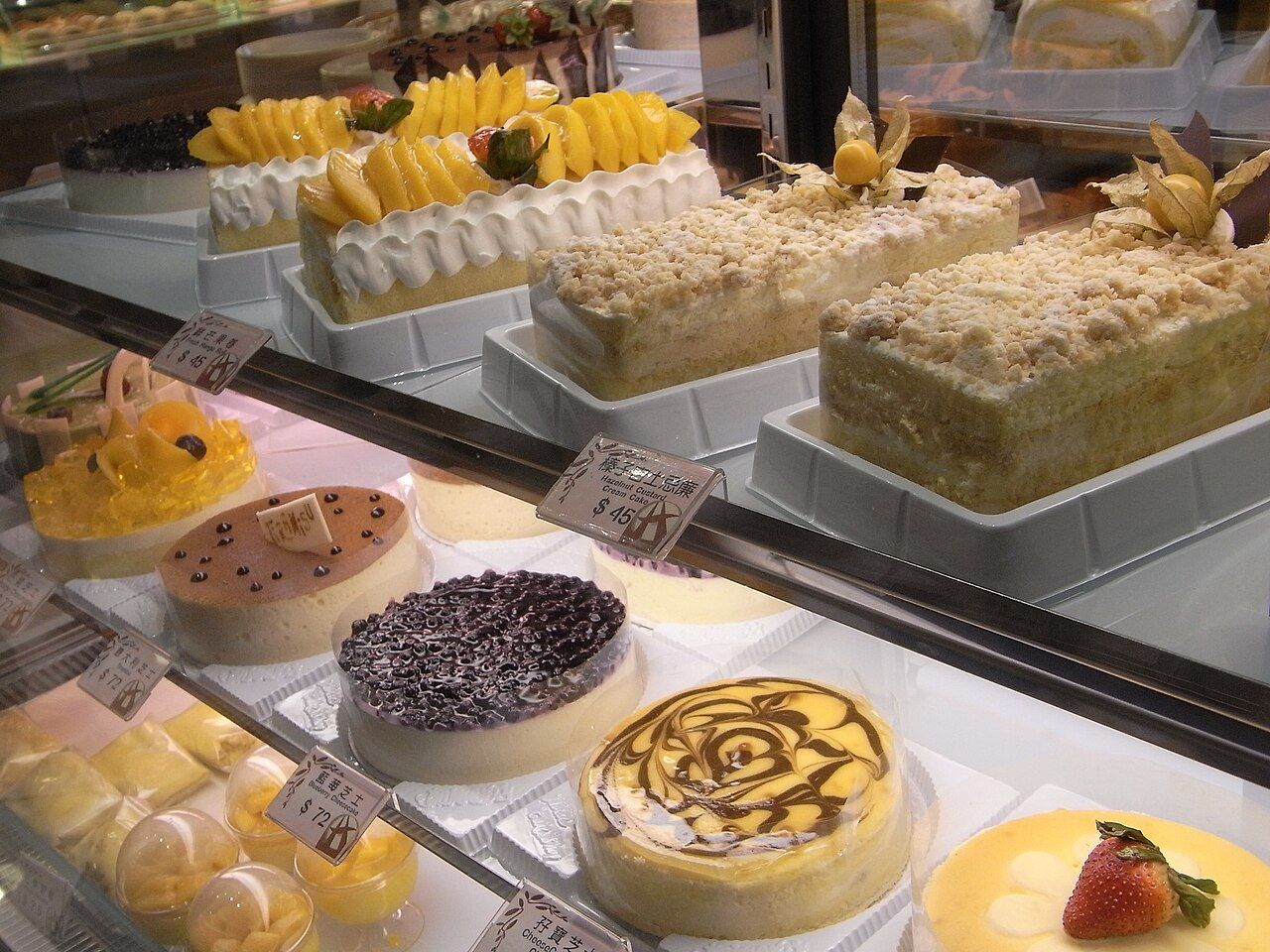
Cafés and bakeries
Quick service at the counter and control of what goes into every item.
- Counter billing with split payments and a UPI QR on every bill
- Thermal 80 mm and 58 mm receipt printing
- Kitchen stations for Kitchen, Bar and Bakery, with a kitchen display
- Recipes with ingredient costing and food cost per portion (Growth plan)
- Stock for ingredients, with low-stock alerts
AI helps: Ask which items sell best, and get reminders ready for customers who pay later.
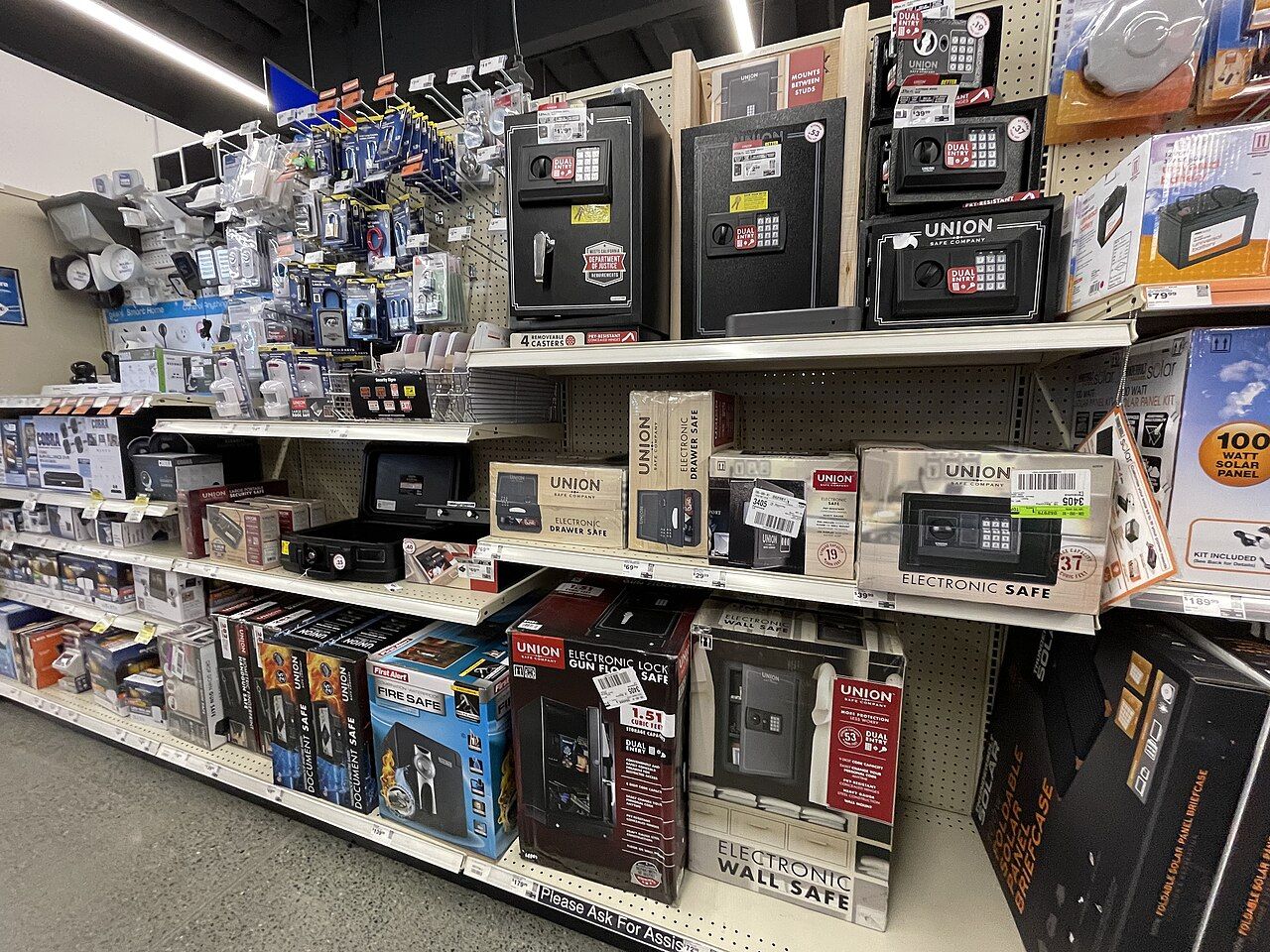
Hardware and general shops
Many small items, many units, and customers who buy on credit.
- Items with HSN codes, GST rates and 24 standard units, with conversions
- Customers on credit with balances, credit limits and receivables aging
- Quotations that turn into sales
- Purchase orders and supplier bills
- Manual stock adjustments with a full stock history
AI helps: Payment reminders drafted for every overdue balance, ready for your approval.

Restaurants
From the table to the kitchen and back, without shouting across the room.
- Live floor with tables, running totals and colours for every state
- Kitchen order tickets per station and a kitchen display
- Waiter phones and tablets on your Wi-Fi, and QR ordering at the table (Growth plan)
- Reservations, table blocking and a waitlist (Growth plan)
- Service charge, split payments and printed receipts
AI helps: A daily summary of the evening's business, and answers to questions about sales and top dishes.

Hotels
For the restaurants, bars and event halls inside your hotel.
- Restaurant and bar billing, with kitchen tickets for each station
- Banquets and events that turn into invoices (Growth plan)
- Staff PINs, roles and manager approval for voids and cancellations
- GST invoices, with e-invoice data prepared for the GST portal (Growth plan)
- An audit log of who did what, and several branches under one owner
AI helps: One daily summary across outlets, and reminders for corporate accounts that owe you.
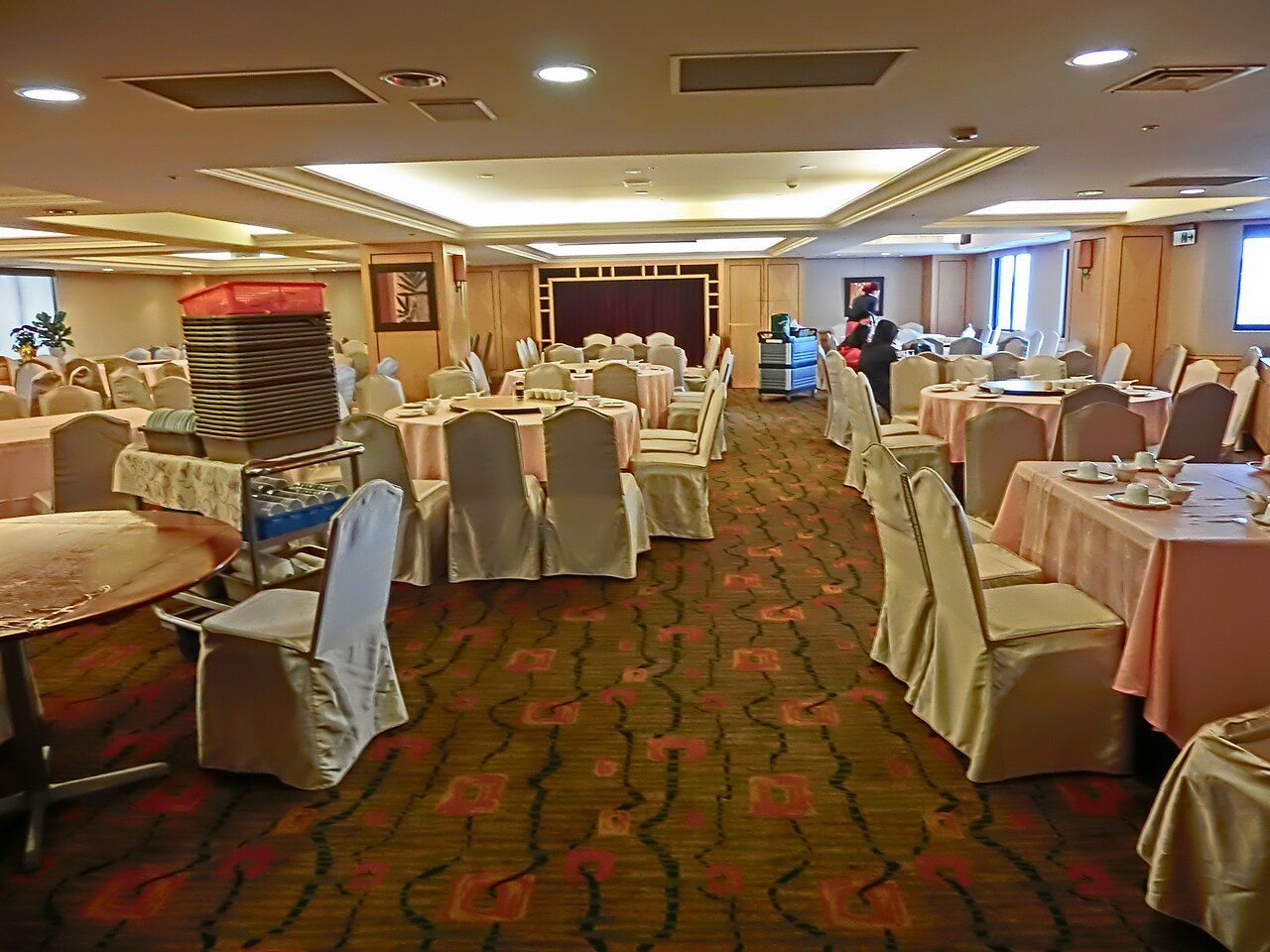
Marriage halls and banquets
Bookings, balances and the kitchen behind every event.
- Hall and party bookings that turn into invoices (Growth plan)
- Receive payments against a booking's balance and see what is still due
- GST tax invoices for every event
- Kitchen tickets for the catering team, and purchases and expenses by category
- WhatsApp messages to customers (Growth plan)
AI helps: Reminders drafted for pending balances, and answers about which events earned the most.
Do not see your business? If you bill customers, BIntellune.ai can run it. Tell us about it.
Photos from Wikimedia Commons: department store (Tessa Bury, CC BY 4.0) · cafe bakery (Scoictho, CC BY-SA 3.0) · hardware shop (Missvain, CC BY 4.0) · restaurant (Basile Morin, CC BY-SA 4.0) · hotel (Dorsett Wanchai Hotel Hong Kong, CC BY-SA 4.0) · marriage hall (Ahbmamiat, CC BY-SA 3.0)
Works offline
Bill even when the internet is down
GST ready
Tax invoices with CGST, SGST and IGST
Multi-branch
Stock, bills and staff for every outlet
Your data, your computer
Saved locally, with automatic backups
Sell faster
A counter that keeps up with a busy shop
Keyboard-friendly billing with GST built in. A whole sale can be done without the mouse.
- GST tax invoices, credit and debit notes
- Thermal 80 mm, 58 mm and A4 printing
- UPI QR on every bill with a balance
Run the restaurant
From the table to the kitchen and back
See every table at a glance, send orders to the kitchen and settle the bill in one flow.
- Live floor with tables and running totals
- Kitchen order tickets and kitchen display
- Waiter phones, QR ordering, bookings and waitlist
Know your numbers
Clear answers without an accountant on call
Sales, stock, cash and bank stay in step, so the owner dashboard is always current.
- Day book, profit and loss, GST summary
- Stock with low-stock alerts
- Load items and customers from Excel in minutes
Grow with AI
Helpers that suggest, while you decide
Ask questions about your business and review suggestions. Nothing is sent or changed without your approval.
- Business copilot that answers from your reports
- Payment reminders and daily owner summary
- Optional AI that runs privately on your computer
Billing and printing
Every bill, the way you need it
Per-line discount and GST, prices that include or exclude GST, optional round-off, split payments, notes and terms. Save with F9 or save and print with F10.
- Sale Invoice
- A bill to a customer. Walk-in sales are paid in full; a named customer can keep a balance.
- Quotation
- A price estimate that can be turned into a sale later.
- Payment-In
- Money received from a customer against what they owe.
- Credit Note
- A customer return: reduces what they owe and puts the stock back.
Thermal 80 mm
The default receipt
Thermal 58 mm
For compact printers
A4 invoice
For tax invoices and PDFs
What a bill shows
- Business name, address, GSTIN and FSSAI
- Bill number, date and customer details
- Items with HSN/SAC and GST %
- Tax split by rate: CGST + SGST, or IGST
- Round-off, total, amount paid and balance
- UPI "scan to pay" QR when a balance is due
Choose the bill size once in Settings. Any single bill can still be printed the other way from its Share menu.
Items, customers and Excel
Set up in minutes, not days
Keep your masters in one place, and bring them in from Excel instead of typing them.
Customers and suppliers
- Phone, email, GSTIN (checked for mistakes) and GST type
- Billing and shipping address and state
- Opening balance and credit limit
- Full transaction history and WhatsApp or SMS shortcuts
Items
- Products or services with code, HSN/SAC and category
- Sale and purchase price, with or without GST
- Opening and minimum stock, with stock history
- Veg or non-veg and kitchen station for restaurants
Units and categories
- 24 standard units are already loaded
- Conversions between units are supported
- Categories are created automatically during upload
Bulk upload from Excel
Download the template
It has instructions, example rows and drop-down lists.
Fill it in
Choose the .xlsx or .csv file, up to 20,000 rows or 15 MB.
Check the file
Saves nothing, and lists every problem by row in plain words.
Import
Good rows are saved; problem rows can be downloaded, fixed and uploaded again.
You can upload
Uploading again updates existing records, and blank cells leave existing values unchanged.
Purchases, cash and reports that agree with each other
Purchases and expenses
- Purchase bills add stock
- Purchase orders turn into bills when goods arrive
- Payment-Out for what you pay suppliers
- Expenses by category, and debit notes for returns
Cash and bank
- Accounts for cash, UPI, cards and banks
- Opening balances and live balances
- Every sale and payment moves money into the account named on it
- Manual adjustments for people allowed to manage cash
Reports
- Sales by day, customer and item
- Purchases by supplier and item, expenses by category
- Day book, profit and loss, GST summary
- Stock summary, recipe costing, receivables and payables aging
Reports follow the branch you are working in, and can be exported to Excel (CSV) or printed.
Restaurant
Tables, kitchen and guests, working together
- Live floor: drag tables to match your room, with colours for available, occupied, reserved and blocked
- Orders with notes, per-seat items, voids, cancellations and merged tables
- A kitchen ticket per station (Kitchen, Bar, Bakery), with optional automatic printing
- Kitchen display: pending, preparing, ready and served
- Table billing with service charge, split payment and printed receipts
- Reservations, table blocking and a waitlist for walk-in guests (Growth plan)
- QR ordering from the table: guests view the menu, order and call the waiter (Growth plan)
- Waiter phones and tablets on your Wi-Fi, paired once with a 6-digit code (Growth plan)
Banquets, recipes and e-invoice (Growth plan)
Banquets and events
Hall and party bookings that turn into invoices.
Recipes and costing
Ingredients per dish with yield, giving food cost per portion.
GST e-invoice
Prepares the e-invoice file and validates GSTINs. Export it, upload it on the GST portal or through your GST provider, then import the response so the IRN and QR print on the invoice.
Teams and control
Branches, staff and the right permissions
Branches
Every sale, purchase, stock move, report and floor belongs to a branch. Switch the branch in view from the top bar, and limit each person to the branches they work in.
PINs and roles
Everyone signs in with their own 4 to 8 digit PIN. Roles are owner, manager, cashier, waiter and kitchen, and the owner decides what each may do.
Manager approval
Voiding a sent item, cancelling an order or deleting a bill needs a manager's PIN for staff who do not have that permission.
Audit log
See who did what, on which device and who approved it.
Backup and safety
Your data stays yours, and stays safe
Everything is saved on your computer first. Backups protect it if the computer ever fails.
Automatic local backups
- Scheduled to a USB or external drive you choose, every weekday night by default
- Kept for at least 30 days, and the newest is never removed
- A missed night is caught up as soon as the app is open
- A clear warning if the drive is unplugged or full
Restore when you need to
- Pick a backup and see what it holds before restoring
- A safety copy of your current data is saved first
- Only the owner can restore
- Works on a new computer too: install, activate, choose the backup file
Optional cloud backup
- An online copy uploaded within seconds of every change
- Works offline: changes wait and upload when the internet returns
- Several computers of one business can stay in step
- Set up with a code from our team
Backup files are not encrypted, so keep the drive somewhere safe.
AI and WhatsApp (optional)
Smart helpers, with you in control
These use your own accounts with the service providers. Keys you enter are stored protected on your computer and are never shown again.
WhatsApp (Growth plan)
Send bills and messages with a ready-made message. Plain text only, and WhatsApp lets a business message only customers who wrote to it in the last 24 hours.
AI assistant (Intellect plan)
The copilot answers from your reports and never changes anything by itself. Agents suggest payment reminders, a daily summary and stock reorders, and nothing is sent until a person approves it.
Your choice of AI
Use the AI service you already have, or run AI privately on your own computer. Install, start, stop and fix local AI from Settings.
Built for the keyboard
A whole sale without the mouse
Search an item, pick it with the arrow keys, press Enter, and save. Shortcuts keep the line moving at the busiest hour. Small help icons next to unfamiliar words, like credit note or HSN, explain them in everyday language.
- F1
- Help and word meanings
- F2
- New sale, from any screen
- F3
- Next item box
- F4
- Add a new row
- F6
- Money received box
- F7
- Mark fully paid
- F8
- Pick the customer
- F9
- Save
- F10
- Save and print
- Esc
- Close the editor or panel
Plans
Choose the plan that fits
Start with the trial, which includes everything, then pick the plan that matches how you work.
Basic
Billing, tables and the kitchen
- Customers, suppliers and items
- Sales, purchases, cash and bank
- Reports and dashboard
- Dining: tables, orders and KOT
- Kitchen display
Growth
Bookings, recipes, QR ordering and banquets
- Everything in Basic
- Table booking and waitlist
- Waiter phones and QR ordering
- Recipes with ingredient costing
- Banquets, GST e-invoice and WhatsApp
Intellect
AI agents that help run the business
- Everything in Growth
- Business copilot
- Payment-collection reminders
- Daily owner summary
- Stock re-order suggestions, all with your approval
The owner can switch features on or off in Settings, so staff only see what the business uses. Questions about plans or pricing? Talk to us
Free 14-day trial, every feature included
Download BIntellune.ai
Install it on your Windows computer in a few minutes. Your data stays on your computer, and it keeps working without the internet.
Install in five steps
Download
Get the zip file for Windows.
Unblock and extract
Right-click the zip, choose Properties, tick Unblock and press OK. Then right-click it again and choose Extract All.
Unblocking the zip first avoids the Windows warning screen when you run the setup.
Install
Open the extracted folder, run the setup file and follow the prompts. Nothing else needs to be installed first.
Set up
Enter your business name and tax details, and create the owner PIN.
Start billing
Add your items, or upload them from Excel, and make your first bill.
BIntellune.ai for Windows
AI-powered POS and business management
- Platform
- Windows 10 and 11
- Architecture
- 64-bit
- Download size
- About 106 MB
- Format
- ZIP archive
Published by AI Cognify Lab. Delivered over a secure HTTPS connection.
- 14-day free trial with every feature
- Works offline, with your data on your own computer
- Nothing else to install first
- A receipt printer is optional
Windows says “Windows protected your PC”?
This notice appears for new software that Windows has not seen many times before. It does not mean anything is wrong with the file.
- Click More info.
- Click Run anyway.
Need a hand installing? Our team can walk you through it.
Questions, answered
Do I need the internet to use it?
No. Billing, stock, reports and printing all work offline. The internet is only needed for optional extras such as cloud backup, WhatsApp messages and online AI services.
Is there a free trial?
Yes. You can start a 14-day free trial that includes every feature. Your data stays safe when it ends, and everything returns as soon as a licence is added.
Windows says "protected your PC". Is the installer safe?
Windows shows this notice for software it has not seen many times before, and the publisher may appear as unknown. Click More info, then Run anyway. To avoid it, right-click the downloaded zip, choose Properties, tick Unblock and press OK before you extract it. Download the installer only from this page.
Where is my data stored?
On your own computer. You can schedule automatic backups to a USB or external drive, and optionally keep an online copy as well.
Can I use it on more than one computer?
Each licence covers one computer. Several computers of one business can share data through optional cloud sync. Contact us to set it up.
Which businesses is it for?
Restaurants, cafes, bakeries, hotels, supermarkets, retail stores and other small businesses in India that need GST billing.
How do I get my existing items and customers in?
Download the Excel template from Settings, fill it in, check it and import it. It lists every problem by row in plain words, and you can upload as often as you like.
What happens if my computer fails?
Switch on automatic backups to a USB or external drive. On a new computer, install the app, activate it and choose the backup file to restore everything. Cloud backup is also available as an extra online copy.
Can staff see everything?
No. Each person signs in with their own PIN and role, and the owner decides what each role may do. Sensitive actions need a manager's approval, and an audit log records who did what.
I forgot a staff PIN. What now?
The owner can set a new PIN for any staff member in Settings. If the owner's own PIN is lost, contact us and we will help once we have confirmed your identity.
I downloaded a zip. How do I install?
Right-click the zip, choose Properties, tick Unblock and press OK. Then right-click it again, choose Extract All, open the folder and run the setup file.
What do I need to run it?
A Windows 10 or Windows 11 (64-bit) computer. A receipt printer is optional; bills also print on any normal printer.
Ready to try BIntellune.ai?
Download it today and start your free trial, or talk to our team and we will help you set it up.